Format Fixer
Small tools for converting images and cleaning text. It all happens in your browser tab.
🖼️ Universal Image Converter
Drop an image and instantly convert between JPG, PNG, and WebP formats.
Drag & drop an image here, or click to browse
Supports JPG, PNG, WebP
Original
Converted
📄 Image to PDF Merger
Drop multiple images, reorder them visually, and merge into a single multi-page PDF.
Drag & drop images here, or click to browse
Supports JPG, PNG, WebP — add multiple files at once
📑 0 images loaded — drag to reorder
🧩 Vector Converter
Turns an ordinary image into an SVG-ish vector file. Results can look a little strange.
Drag & drop an image here, or click to browse
Works with JPG, PNG, and WebP images
Original
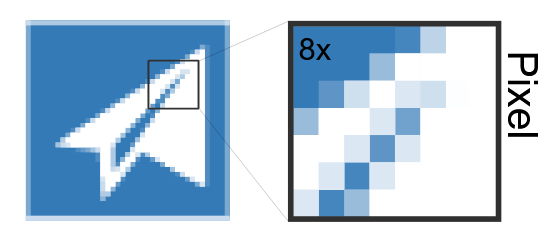
Vector Output
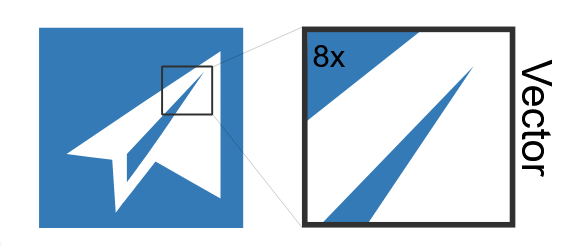
Why this is better:
- 100 percent privacy: your code never leaves your browser as we use html, js libraries instead of relying on crappy servers that steal your data.
- drag and drop reorder: it is easier to use as you dont see ads, and links trying to scam you all around the website.
- live instant preview: as it changes format in seconds because we dont have to wait for crappy servers.